

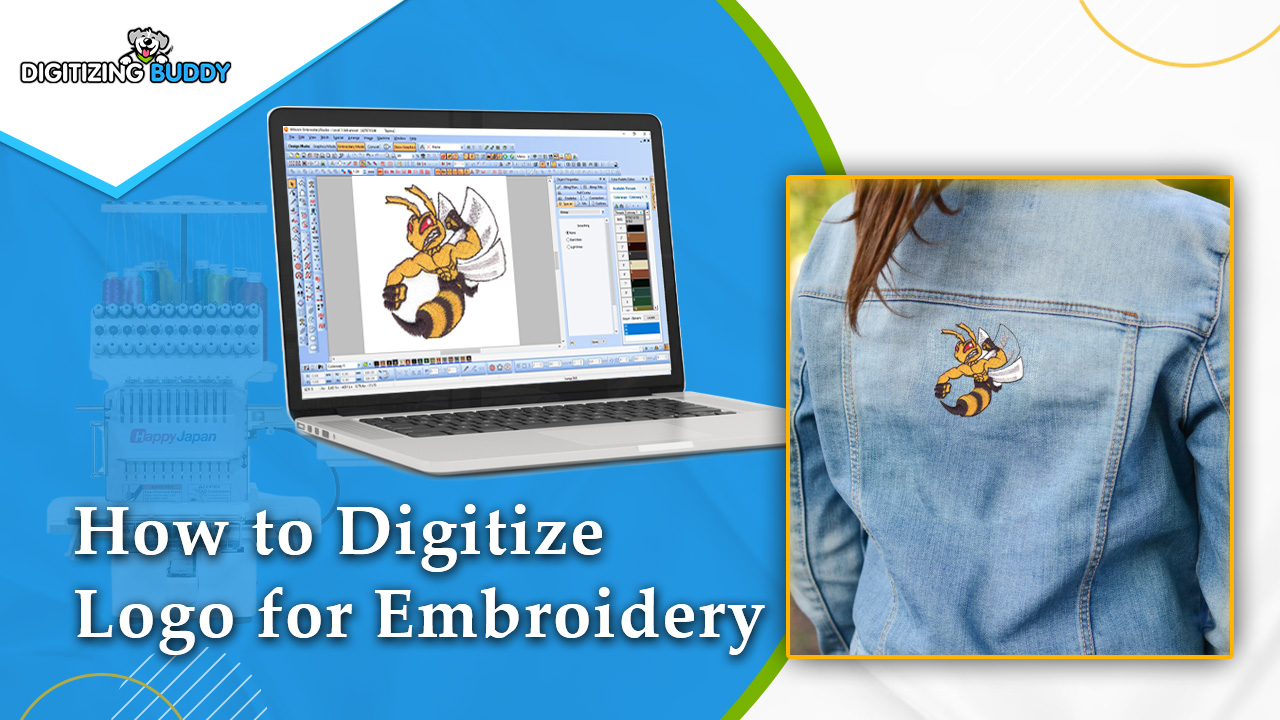
Embroidery has always been a classy and durable way to showcase logos on various fabrics. The process of turning a logo into an embroidery-ready format is called digitizing. If you’re new to this, don’t worry! This step-by-step guide will walk you through how to digitize a logo for embroidery.
1. Understanding the Basics of Embroidery Digitizing
Before jumping into the digitizing process, it’s essential to understand what embroidery digitizing is and why it’s important. Digitizing is the art of converting a logo or image into a stitch file that an embroidery machine can read.
What is Embroidery Digitizing?
Embroidery digitizing involves creating a digital file that guides an embroidery machine on how to sew the design. This file includes details such as stitch type, direction, and color.
Why is Digitizing Important?
Good digitizing ensures that the logo is accurately represented in the embroidery, maintaining the integrity and detail of the original design. Poor digitizing can lead to distorted logos, thread breaks, and a less professional finish.
Tools Needed for Digitizing
To digitize a logo, you’ll need a computer, digitizing software, and an embroidery machine. Popular digitizing software includes Wilcom, Brother PE-Design, and Hatch.
2. Preparing Your Logo for Digitizing
The preparation phase is crucial for ensuring a smooth digitizing process. This step involves selecting the right logo and making necessary adjustments.
Choosing the Right Logo
Select a high-resolution logo for the best results. Logos with simple lines and fewer colors are easier to digitize and often produce better embroidery results.
Adjusting the Logo
Before digitizing, ensure that the logo is clean and free of any unnecessary details that won’t translate well to embroidery. Simplify complex areas and make sure all elements are distinct.
Converting the Logo to a Vector Format
For most digitizing software, converting the logo to a vector format (like .ai or .svg) is beneficial. Vector files maintain high quality and allow for easy manipulation during the digitizing process.
3. Setting Up Your Digitizing Software
Once your logo is ready, it’s time to set up your digitizing software. Each software will have its interface, but the basic steps are generally the same.
Importing the Logo
Open your digitizing software and import the logo file. Ensure that the logo is appropriately sized for your embroidery project.
Choosing the Right Stitch Types
Different areas of the logo may require different stitch types. For example, fills are used for large areas, while satin stitches are great for borders and text.
Setting the Stitch Density
Stitch density refers to how close the stitches are to each other. The right density ensures that the embroidery is neither too dense (causing thread breaks) nor too sparse (leaving gaps).
4. Digitizing the Logo
Now comes the main part: digitizing the logo. This process involves tracing the logo and setting up the stitches.
Tracing the Logo
Use the tools in your software to trace the outlines of the logo. This step translates the logo into a series of paths that the embroidery machine will follow.
Assigning Stitch Types
Assign the appropriate stitch types to different parts of the logo. Ensure that you use underlay stitches where necessary to stabilize the fabric.
Adding Thread Colors
Assign thread colors to different sections of the logo. Most software allows you to match the colors to the threads you will use in the embroidery machine.
5. Finalizing the Design
Before sending the design to the embroidery machine, it’s crucial to review and finalize it.
Previewing the Design
Use the preview feature in your software to see how the embroidered logo will look. Check for any mistakes or areas that need adjustment.
Making Adjustments
Make any necessary adjustments to the stitch types, density, or colors. It’s better to spend time perfecting the design in the software than fixing mistakes on the fabric.
Saving the File
Once you’re satisfied with the design, save it in the appropriate file format for your embroidery machine (like .pes, .dst, or .exp).
6. Testing the Design
Before embroidering the logo on the final product, it’s wise to do a test run.
Choosing the Right Fabric for Testing
Use a fabric similar to the one you will use for the final product. This helps in understanding how the design will behave on the actual fabric.
Running the Test Stitch
Load the design into your embroidery machine and run a test stitch. Observe the machine and note any issues like thread breaks or misaligned stitches.
Evaluating the Test Stitch
Evaluate the test stitch and make any necessary adjustments to the design. This step ensures that the final product will be of high quality.
7. Embroidering the Final Product
After testing and making any needed adjustments, you’re ready to embroider the final product.
Preparing the Fabric
Ensure the fabric is clean and properly hooped. Use stabilizers if necessary to prevent the fabric from stretching or shifting during embroidery.
Loading the Design
Load the final design into the embroidery machine. Double-check the thread colors and stitch settings.
Starting the Embroidery
Start the embroidery process, keeping an eye on the machine to catch any issues early. Once complete, carefully remove the fabric from the hoop.
8. Post-Embroidery Care
Taking care of the embroidered logo ensures it looks good and lasts long.
Trimming Excess Threads
Trim any excess threads from the embroidery. Be careful not to cut the main stitches.
Cleaning the Fabric
Gently clean the fabric if needed. Avoid harsh chemicals that could damage the embroidery.
Storing the Embroidered Product
Store the embroidered product in a clean, dry place. Proper storage helps in maintaining the quality of the embroidery.
Conclusion
Digitizing a logo for embroidery may seem daunting at first, but with the right tools and steps, it becomes a manageable and rewarding task. The key is in the details: choosing the right logo, using proper digitizing techniques, and thorough testing. With patience and practice, you can create high-quality embroidered logos that stand out.
Digitizing is both an art and a science, and mastering it can take your embroidery projects to the next level. Happy embroidering!